Streaming college basketball games legally comes down to one question: who owns the rights to this particular game? Every matchup sits with either a national network, a conference network, or a regional sports network, and each one lives inside a different subscription. Find the broadcaster first, then pick the service that carries it, and the rest takes about ten minutes.
Most of the frustration comes from doing those two steps in the wrong order. Fans buy a bundle, then discover the game they wanted sits on a regional channel their package does not include. Here is the five-route version that avoids that.
Table of Contents
- Legal Ways to Stream College Basketball at a Glance
- What You Need
- Step-by-Step
- Common Mistakes
- Frequently Asked Questions
- Can I watch college basketball games for free legally?
- Do I need a cable subscription to stream college basketball games?
- Which app should I use to watch college basketball?
- Can I watch a college basketball game on my phone or smart TV?
- Why can I not watch the game even though I have a streaming subscription?
- Are NCAA basketball games available on legal streaming services outside the United States?
- Conclusion
Legal Ways to Stream College Basketball at a Glance
- A live TV streaming bundle (YouTube TV, Hulu + Live TV, Fubo, DIRECTV Stream) for national games, conference networks and regional sports networks.
- ESPN+ for the widest library of out-of-market and conference games, minus anything already on a national channel in your area.
- Paramount+ with live CBS for conference games and the tournament rounds carried on CBS.
- An over-the-air antenna for CBS and FOX games in your area at no monthly cost.
- A free trial timed to a tournament weekend, used before it expires.
Every option above is licensed. Nothing in this guide points to a pirate stream, a shady IPTV box, or a link that vanishes five minutes into the second half.
What You Need
Four things. Without them you will end up paying for the wrong thing.
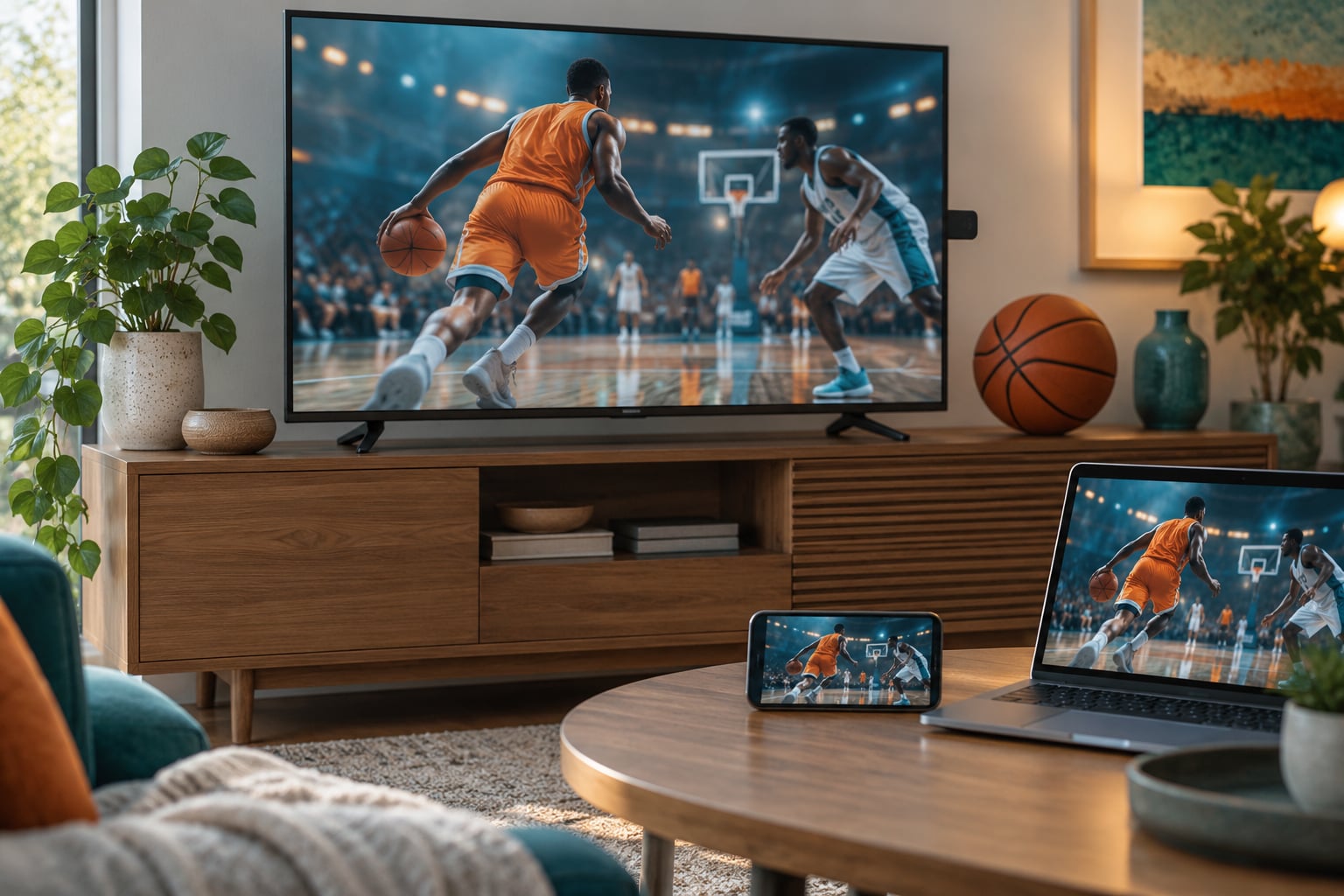
A device with an app is first: a smart TV, a streaming stick such as Roku, Fire TV or Apple TV, a game console, a phone, a tablet, or a laptop with a browser. The live TV apps are built for big screens, and phone viewing works fine but eats battery.
Next, a reliable internet connection. Every major live TV provider publishes a recommended speed, and that number assumes the rest of the household is not streaming at the same time. Run a speed test on the actual network the TV uses, not on your phone on cellular.
Then a subscription or a working TV package. Most people need one of two things: a live TV streaming service, or a streaming-only sports service such as ESPN+. A few fans need both.
Finally, the game details: teams, conference, date, tip-off time and network. Knowing the conference alone narrows your options enormously, because the conference networks carry the bulk of the schedule.
Step-by-Step
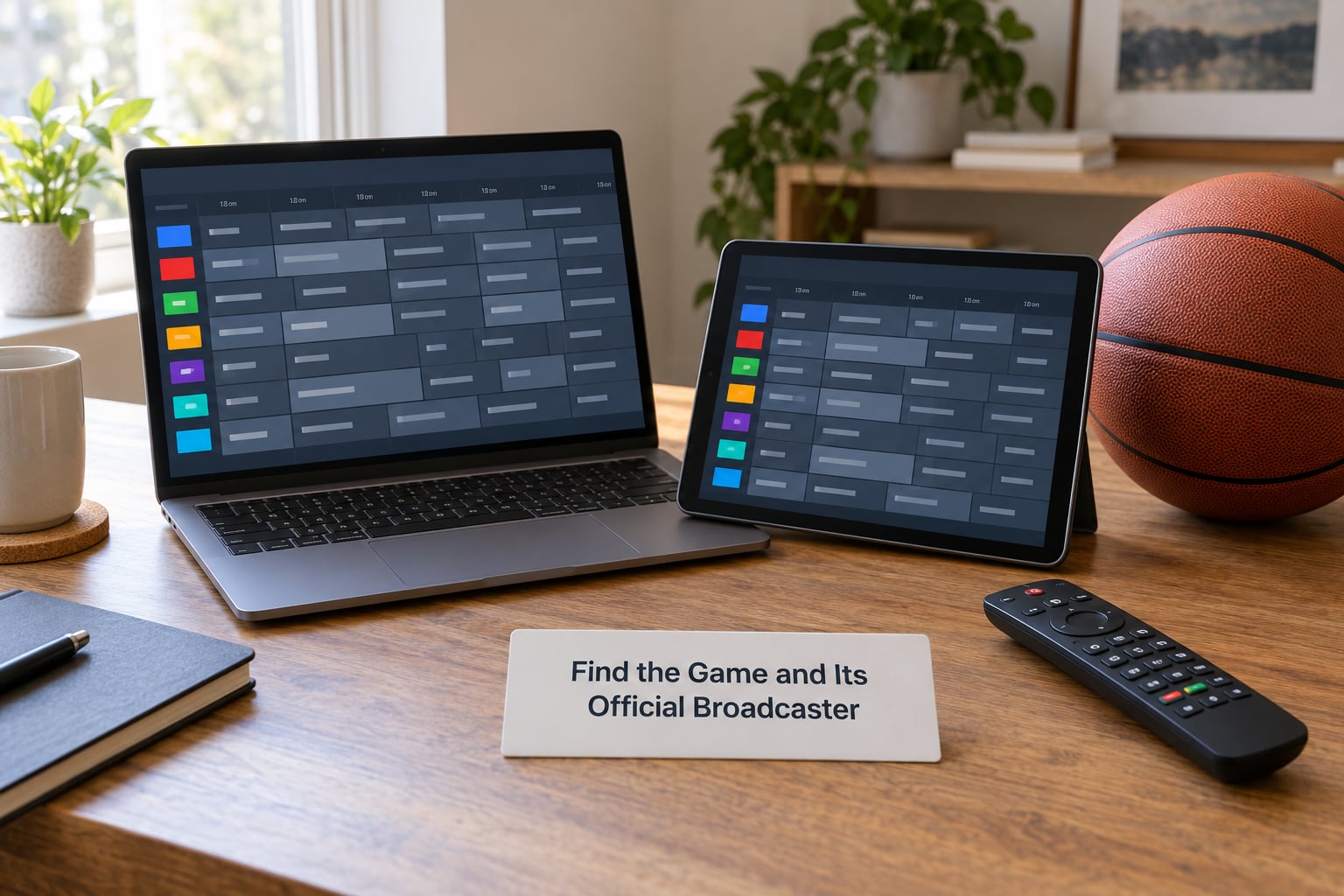
Find the Game and Its Official Broadcaster
Start on the official schedule. The athletic department site of either team, the conference standings page, or the league’s schedule page will list the date, time and network for every game.
Read the network column. ESPN, ESPN2 and ABC handle a large share of marquee games, CBS and Paramount+ carry Sunday afternoon games and the tournament, FOX runs a Saturday window, and TNT Sports holds early-round tournament games. Below that tier sit the conference channels: SEC Network, ACC Network, Big Ten Network and Mountain West Network among them.
Below those sit the regional sports networks, and this is where the trouble starts. A regional channel only shows games inside a fixed territory, which is why a home game that fans expect on an app is often missing.
Choose a Legal Streaming Service or TV Option
Match the network from the schedule to a service that actually carries it. Do not assume; lineups change, and regional channels in particular get moved between tiers.
- Live TV streaming bundles are the broadest single choice. YouTube TV, Hulu + Live TV, Fubo and DIRECTV Stream each carry the national sports channels, most conference networks and a set of regional channels. They also give you a cloud DVR and multiple simultaneous streams.
- ESPN+ is the biggest streaming-only sports service and the one most fans underestimate. It carries hundreds of out-of-market conference games, and many conference channels appear there. What it does not carry is a game already showing on a national network in your market.
- Paramount+ with live CBS covers the CBS schedule, which includes plenty of conference games and most of the tournament rounds beyond the opening weekend.
- An antenna picks up the local CBS and FOX affiliates, so a scheduled broadcast game in your area costs you nothing recurring.
- Cable or satellite still works, and if you already pay for it, ESPN+ is often the only addition you need for out-of-market games.
Check whether your pick of live TV service includes regional channels in your exact ZIP code before you commit. Most providers show a channel preview during signup, and that preview is the most reliable check available.
Start Your Subscription or Sign In
Create the account through the provider’s own site or app, not through a link someone sent you. Enter your ZIP code first, because the lineup you get depends on where you live.
Trials require a payment method on file, and several of them convert automatically when the trial ends. Add a calendar reminder the day you subscribe. Set it a few days before the game, not the day of, so you have time to fix a payment problem.
Once signed in, add a profile for each person watching. Most services limit how many streams run at once, and two people watching different games in one home usually needs two profiles rather than two subscriptions.
Watch the Game on a Supported Device
On a smart TV, open the store on the TV, search the provider’s app by name and sign in with the remote. If the app is not offered for your TV model, a streaming stick plugged into an HDMI port is the fix.
Casting from the ESPN or provider app on a phone is the quick option for a game on a laptop or a bigger screen. Picture-in-picture works on most phones and tablets, which is handy for keeping a scoreboard up while you check a stat.
Nothing needs a console, but the provider apps are stable on Roku and Fire TV devices, so those are the safest stick if you are buying one.
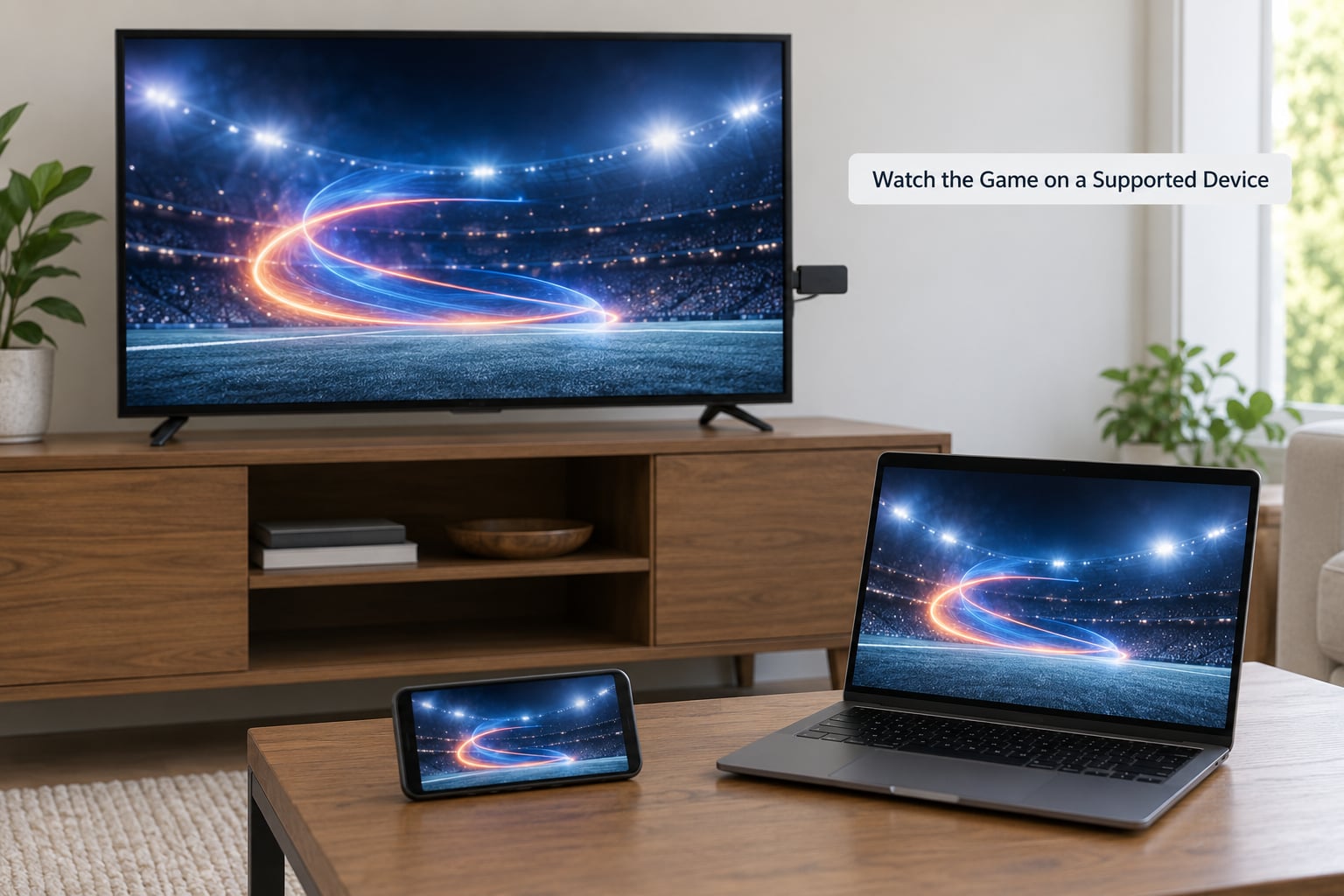
If the picture stalls or drops to a lower resolution, the connection is usually the cause rather than the app. Wired Ethernet beats Wi-Fi for a stationary TV, and closing other streams on the same network helps more than restarting the TV.
Check the Broadcast Before Tip-Off
Five minutes before the game, search the schedule page for the matchup and confirm which service it points to. If you already have that service and the app opens the stream, you are set.
If the stream refuses to play, read the message. A blackout notice names the reason, which tells you whether you need a different channel, a different service, or a local affiliate feed.
Check the replay option too. National games usually appear on demand within hours, and knowing that before the game ends means you are not stuck if you miss the opening minutes.
Common Mistakes
Buying a package that excludes regional channels. The service looks complete until you hit a home game. Confirm the ZIP code lineup during signup, every time, because regional carriage shifts between tiers from season to season.
Subscribing on game day. Payment verification, app downloads and account warm-up take longer than people expect. A trial that starts an hour before tip-off is a gamble.
Treating a search result as a broadcast. If a stream link appears in a search result, a social post or a message from a stranger, it is unlicensed. The risk is not just a bad picture. Sites like this run malware, sell your viewing data and use your payment details. Illegal IPTV boxes are sold on the same model. A feed that buffers every twenty seconds and asks for an app sideload is not worth the risk.
Ignoring blackouts. A missing game is usually a rights decision, not a glitch. When a game is on a national network in your market, the streaming-only service will not show it, and that is by design.
Paying for overlapping access. Some fans hold both a full live TV bundle and a streaming-only sports service without realizing the second one covers games outside their area only. Figure out what your team plays on first.
Two habits help more than anything else: check the network column before you subscribe, and cancel on the calendar date rather than whenever you get around to it.
Frequently Asked Questions
Can I watch college basketball games for free legally?
Yes, several licensed routes are free. An over-the-air antenna picks up CBS and FOX broadcasts airing in your area, and many live TV services offer short trials that cover a specific game or a tournament weekend. Some conference networks also run free preview streams and select games on their own sites. None of these covers every game on the schedule, but combined they cover a surprising amount.
Do I need a cable subscription to stream college basketball games?
No. A live TV streaming service works on its own and replaces cable entirely. What you need depends on the network carrying the game: national games and many conference games appear on streaming-only sports services and on streaming versions of cable channels, while regional sports network games usually require a live TV package that includes your local channel.
Which app should I use to watch college basketball?
Use the app that matches the network on the schedule. National games tend to mean the provider’s live TV app, while hundreds of conference and out-of-market games sit inside the streaming-only sports app. The most practical setup for many fans is one live TV bundle plus that sports app, which costs less than adding a second full bundle.
Can I watch a college basketball game on my phone or smart TV?
Yes. Every major provider has apps for iOS and Android phones and tablets, and most smart TVs run the app directly. If your TV model does not offer it, plug a streaming stick into an HDMI port and sign in with the remote. Casting from the phone to a bigger screen and picture-in-picture both work on most current phones.
Why can I not watch the game even though I have a streaming subscription?
Three reasons cover almost every case. The game may be on a regional sports network your package does not include. It may be a national broadcast in your market, which the streaming-only sports app deliberately blocks. Or the game sits on a channel your service has never carried. The error message usually names the reason, and the schedule page shows which service holds the rights.
Are NCAA basketball games available on legal streaming services outside the United States?
It varies by country and by broadcaster, and it is less reliable than in the US. US media rights are territorial, so providers restrict streams to the country they licensed. Some international partners carry a selection of games, and some conference tournaments stream through the official athletic department or conference site. Check the broadcaster’s own site for your region before paying for anything.
Conclusion
If you take one thing from this guide, take the first step: look up the network carrying your next game. Then pick a service that carries it in your area, sign in ahead of tip-off, and confirm the stream works before the opening whistle.
That is the whole method. Everything else is detail, and the detail changes every season.
Updated for October 2026. Every service named here is officially licensed, and no part of this guide points to an illegal stream.