Listening to college football radio while traveling comes down to three routes: your local FM affiliate, a streaming app that carries the flagship station from anywhere, or satellite audio through the SiriusXM app. The trick is finding the right one before you leave home, because a home-market station fades out roughly 50 to 100 miles from the stadium.
That last point trips up almost everyone. A fan in the home market hears the game on the local station all season, then drives to the away game, loses the feed in a mountain pass, and spends the second half guessing at the score. Get your setup right first and that never happens.
Here is the process I use, and it works the same for a two-hour drive or a nine-day cross-country run. Everything here applies to the 2026 season and the one after, since the mechanics of the broadcast chain rarely change.
Table of Contents
- What You Need
- How to Listen to College Football on the Radio While Traveling: Step by Step
- Common Mistakes
- A Radio Setup Checklist for College Football on the Road
- Frequently Asked Questions
- Can I listen to a college football radio broadcast while driving through another state?
- What is the best app for listening to college football radio while traveling?
- How can I find a local college football station when I am away from home?
- Can I listen to a college football game on a plane with Wi-Fi?
- Do college football radio broadcasts stream outside the team’s local coverage area?
- What should I do if my college football radio stream stops working in a hotel?
- Conclusion
What You Need
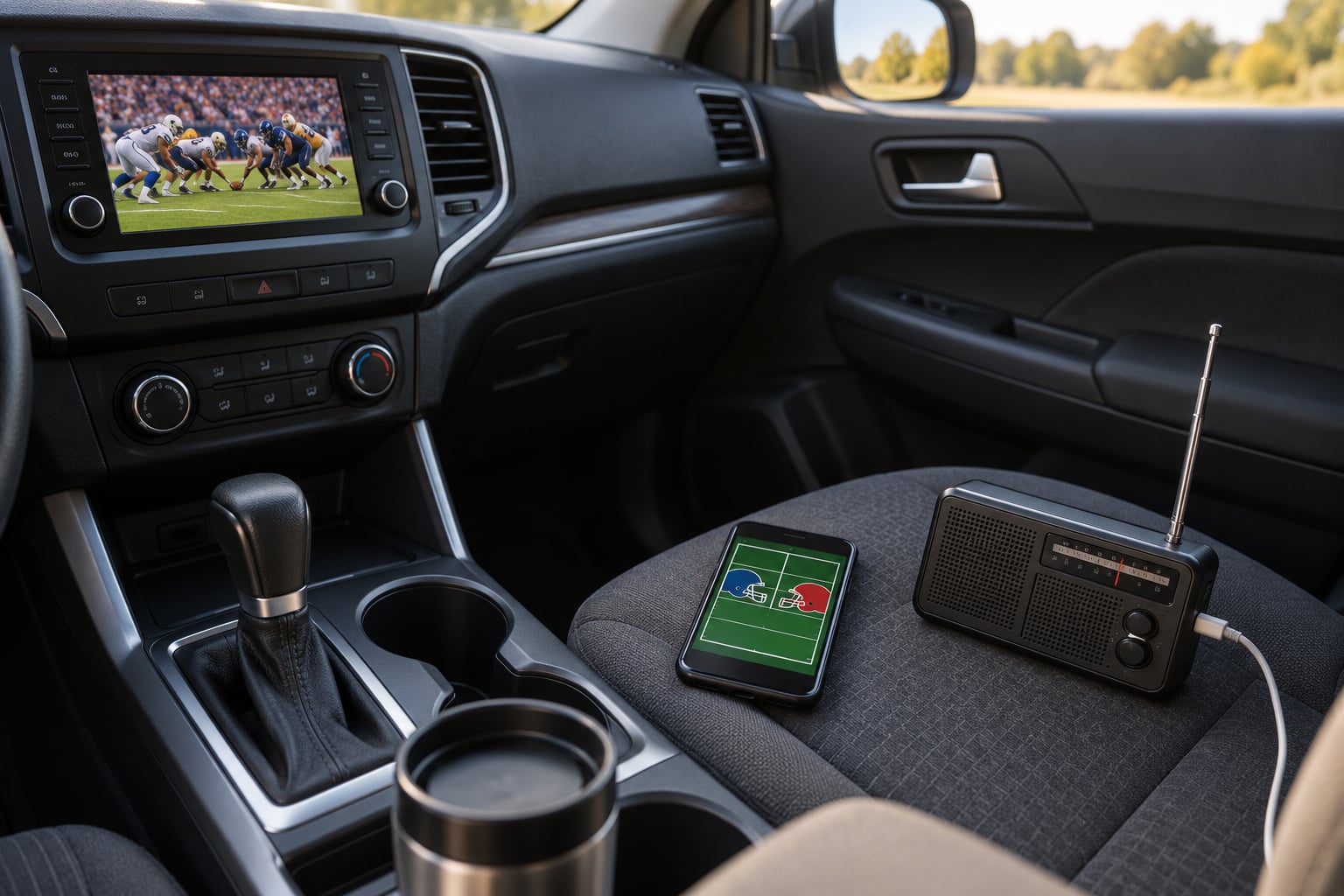
You need a way to receive audio and a way to save it for the parts of the trip where reception dies. For most people that is a phone with a car charger, an FM radio in the vehicle, and one or two streaming apps already logged in.
Beyond that, the prep that gets skipped is the important part:
- The flagship station. The single station that carries your team’s flagship broadcasts, usually named for the school or the city it broadcasts from.
- The conference network name. Most schools syndicate through a network such as the SEC Network, Big Ten Network, Big 12 Network, ACC Network, Pac-12 Network, American Athletic Conference network or Mountain West network, and those feeds run on partner stations nationwide.
- Two apps, not one. One free directory app and one subscription app as backup. Relying on a single app is how a dead zone becomes a silent car.
- A car audio path that works. Bluetooth, an aux input, CarPlay or Android Auto, or an FM transmitter dongle if the stereo is older than the phone.
- Your team’s schedule saved offline. A screenshot of kickoff time and channel beats a signal-dependent lookup every time.
- A charging cable that reaches the passenger seat. Radio streaming on a phone that dies at 4% is not a backup plan.
A portable AM/FM receiver is worth adding if you camp or drive the Rockies. It costs little and it works where nothing else does, because a terrestrial signal only needs a clear line of sight to a transmitter.
How to Listen to College Football on the Radio While Traveling: Step by Step
1. Know the broadcaster and game coverage for college football radio
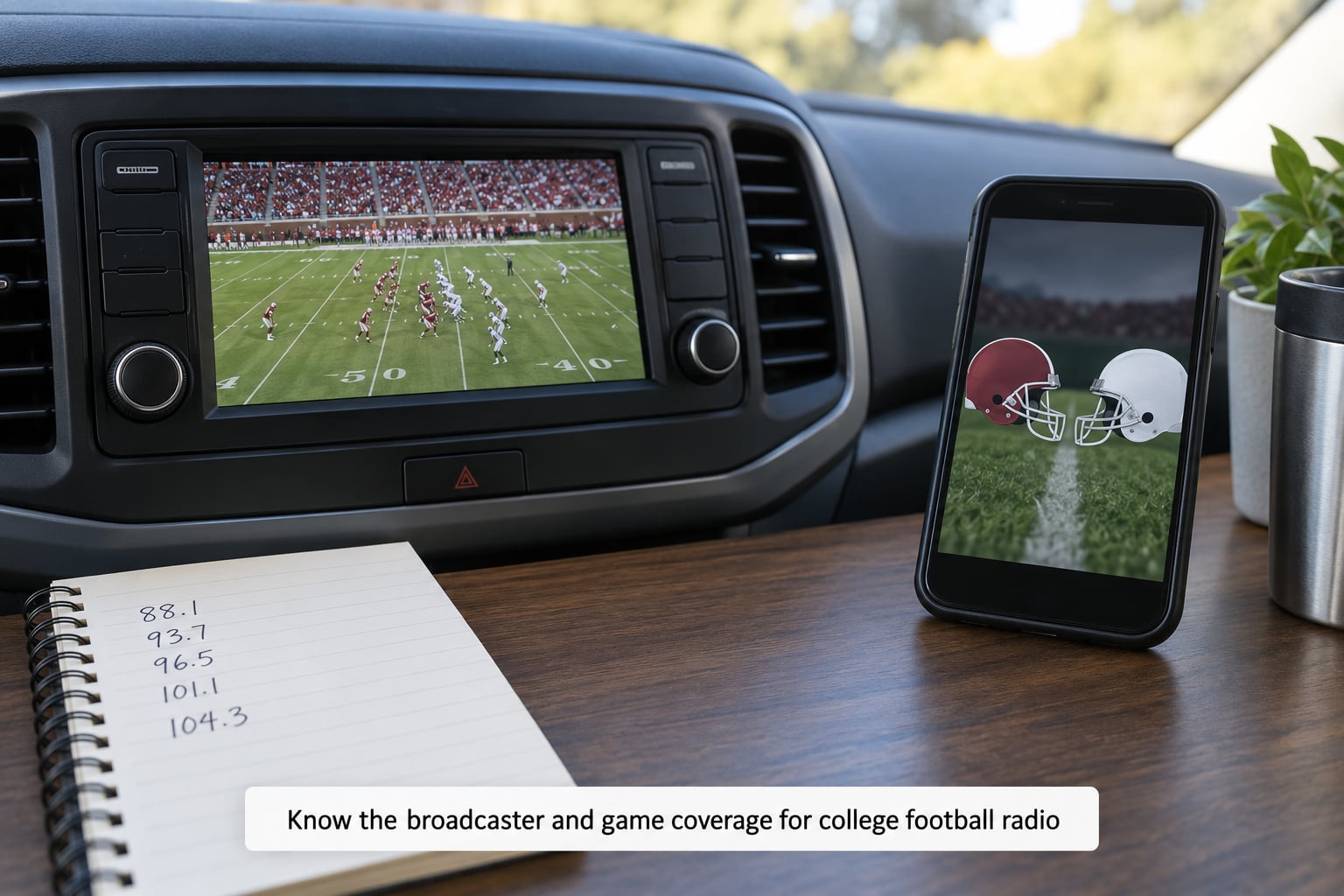
Start with who actually produces the broadcast. Most schools hand production and distribution to Learfield, which runs the flagship station in the home market and then syndicates that feed to a network of partner stations.
So a game’s audio exists in three tiers: the flagship station locally, syndicated network affiliates in other markets, and the satellite and app feeds that carry it nationally. Find all three and you have coverage for the whole trip.
Write the flagship frequency and the network name in your phone. Two things trip people up here. Some games skip the usual network partner and go to a national voice, and a handful of non-conference games are handled differently. When a broadcast looks off, check the team’s official game notes, which list the radio partners for that specific week.
2. Find the game before you leave home
Confirm four things while you still have reliable Wi-Fi: kickoff time in the local timezone of the stadium, the network or channel carrying the game, the closest affiliate to where you will be, and whether an out-of-market stream exists.
That last one is the travelers’ version of a blackout rule, and it runs opposite to television. TV blackouts protect local markets. Radio almost never does, since the syndicated and satellite feeds are sold nationally, so you can usually hear an away game from anywhere.
Where you may hit a limit is a school-run or student stream, which is often restricted to the school’s own market. Test the stream at home on the same Wi-Fi you will use at the hotel if you can, and you will find out in thirty seconds rather than at kickoff.
3. Use the car radio or a portable receiver on the road
Let the radio scan before you leave town. It will cache every affiliate in range, and those cached entries often hold on past the edge of usable reception, which buys you a few more minutes of audio.
When RDS data is available, the receiver usually shows the station call letters and sometimes the network name. That display is how you know you are on the right affiliate rather than the one carrying baseball.
Rural fade is normal and predictable. FM degrades into multipath noise in rolling terrain before it drops out entirely, and it will get worse in rain or behind a row of trucks. When the audio breaks up, move off the shoulder if you need to adjust anything, or simply switch to the backup. Trying to coax reception out of a failing FM signal wastes the game.
4. Set up a streaming backup
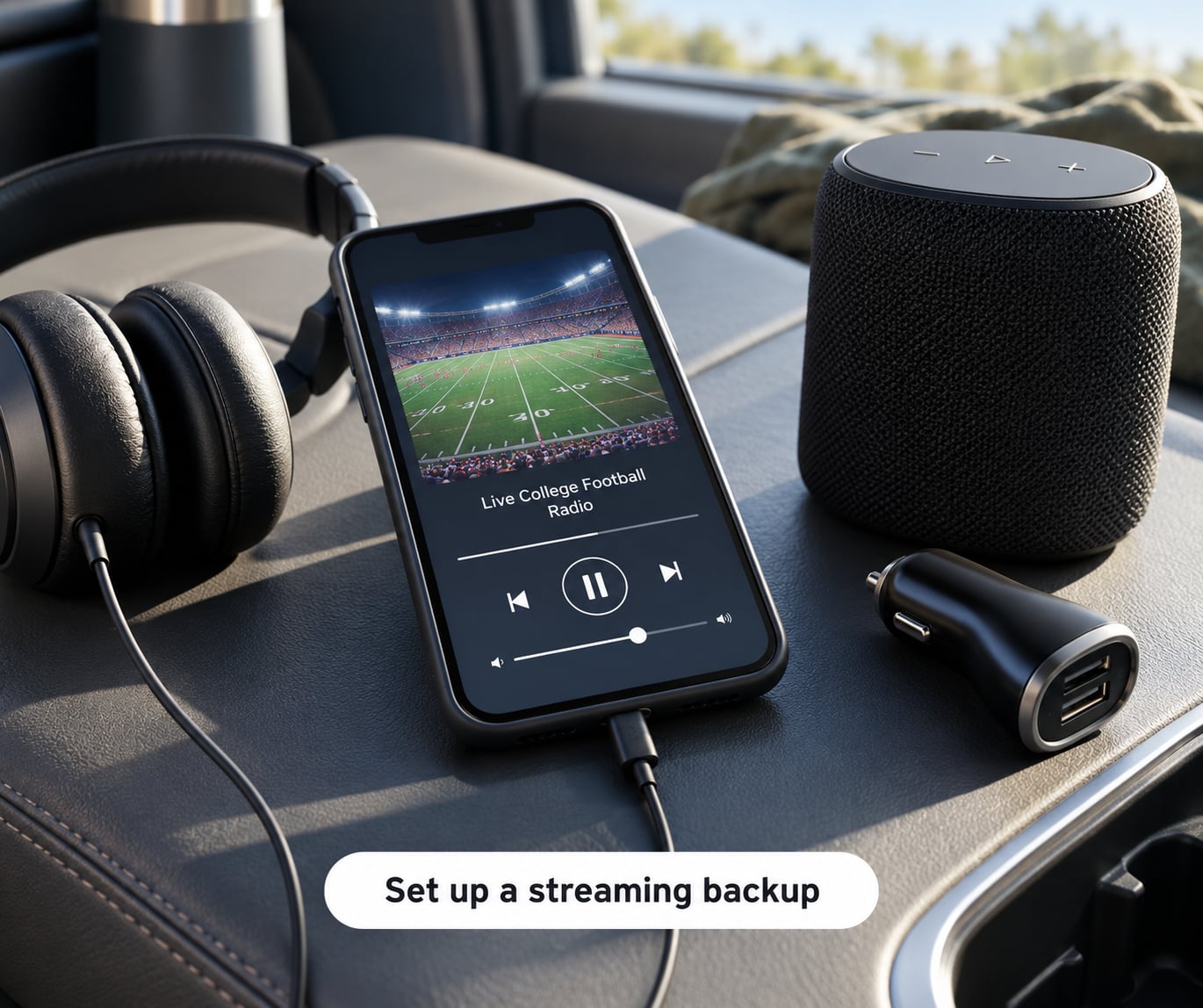
The free directory apps are the most useful tool on this whole list. TuneIn and iHeartRadio both let you search for a station by name or call sign and play it from any location, which means you can queue the exact flagship station rather than hunting through channels.
Quora answers about listening from out of state consistently land on the same method: search iHeartRadio for the specific affiliate, such as a Kentucky flagship station when you are in Arizona, and play it directly. TuneIn is the second free option and covers many stations iHeart does not carry.
SiriusXM college audio is not limited to satellite receivers. It is available inside the SiriusXM streaming app, which is the fact that makes it usable for anyone whose rental car or older vehicle has no satellite-compatible head unit. You can pair a phone to a Bluetooth speaker in an RV and run the app that way, a setup several members described on the iRV2 forum.
One warning from that same community: people widely assume SiriusXM is commercial-free, and it is not. Users report ad breaks and DJ chatter, particularly around live events. For a true commercial-free feed you will need a school or student stream, if your team offers one.
Open the stream and start playback before you begin driving. Browsers and apps block autoplay until a user gesture, so a stream opened while parked plays instantly, while one triggered by a scheduled reminder silently fails once you are moving.
5. Prepare for flights and hotel rooms
In airplane mode, satellite audio stops, because the app talks to the internet rather than to satellites. On a plane the only route is the free radio streaming app over the in-flight Wi-Fi, and connection quality is inconsistent enough that a three-hour broadcast may buffer repeatedly.
Download before you board where you can. Most music services let you save audio ahead of time, and while none of them carries a live game, a saved pregame show or a team podcast covers the flight when the live stream will not.
Hotel Wi-Fi is the other weak point. Many hotel networks open a captive portal page in the browser before any app traffic is allowed, and a radio stream can stall on that page indefinitely. Open any web page first, complete the sign-in, then start the stream.
For international travel the same logic applies, with roaming costs attached. Check whether your carrier’s data plan covers the country before you rely on streaming, and treat satellite and terrestrial radio as the dependable options instead.
6. Troubleshoot the broadcast when it fails
When the audio dies mid-game, work through this order. It takes about two minutes and solves nearly every case.
- Check cell bars first. Streaming drops in the same mountains and deserts where FM fails, because both signals come from the same limited tower network.
- Close and reopen the app. A stalled buffer usually clears without losing your place.
- Confirm you are logged in. Expired subscriptions silently stop playback rather than showing an error.
- Check for a geographic restriction. Some school and student streams are locked to the home market.
- Switch apps. The same flagship station is often on TuneIn, iHeartRadio or the school app at the same time.
- Restart the car connection. Pairing drops after a phone restart more often than anyone expects; unpair and pair again before assuming the hardware failed.
One fix is worth repeating because it solves the most common complaint: if the game is on the car radio but you cannot find it in the SiriusXM app, you are looking for the wrong number. Car receivers show these channels in the 80s and 90s, while the app lists the same channels in the 960-969 range. Subscribers on the r/siriusxm forum have described paying for a full package and assuming the games were simply unavailable when the mismatch confused them. They were there the whole time.
Common Mistakes
Assuming one national station carries everything. Each team’s audio lives on a flagship station plus a rotating list of network affiliates. Fix: learn your flagship frequency and one network partner before the trip.
Trusting hotel Wi-Fi without touching it first. Captive portals block app traffic. Fix: load a web page and sign in before opening the stream.
Leaving headphones in the trunk. The cheapest failure, and it strands the whole plan. Fix: pack earbuds or a wired pair in your bag the night before.
Ignoring local access rules. School and student streams are the most likely to be geo-restricted. Fix: test them before you leave home, not at kickoff.
Relying on a single app. One outage, one dead zone, one expired login, and you are out. Fix: two apps installed and signed in.
Waiting until the drive to look up the channel. Looking it up takes a thumb and a screen, which is exactly the wrong use of either while driving. Fix: save it to a note or a screenshot.
Buying hardware you cannot connect. A subscription on a phone is useless in a rental car with no aux input and no Bluetooth. Fix: check the rental car’s connections first, and carry a small FM transmitter as insurance.
A Radio Setup Checklist for College Football on the Road
Before you leave home, confirm the flagship frequency and one network affiliate, install and sign into two streaming apps, save the schedule as a screenshot, download your audio for the flight, and pack earbuds plus a car charger. Ten minutes here prevents the whole problem.
At the start of each leg, start the stream while parked, note which affiliates the radio found, and switch the phone to do not disturb so a text does not stop the audio halfway through a drive.
When reception fails in a dead zone, run the two-minute troubleshooting list and then move on. Chasing a weak signal wastes the game you are trying to hear.
Frequently Asked Questions
Can I listen to a college football radio broadcast while driving through another state?
Yes, and it is usually easier than people expect. Radio works differently from television here: television blackouts protect local markets, but college radio audio is syndicated through conference networks, satellite and streaming apps, so an away game is generally available nationwide. Tune the local affiliate near you, use a free streaming app to pull your team’s flagship station from anywhere, or run the SiriusXM app if you subscribe.
What is the best app for listening to college football radio while traveling?
There is no single best app, so most travelers use two. A free directory app such as TuneIn or iHeartRadio is the workhorse, because you can search for your team’s flagship station by name or call sign and play it from any location. A paid app such as SiriusXM is the backup that survives dead zones, since its college audio runs inside the streaming app and needs no satellite receiver in the car.
How can I find a local college football station when I am away from home?
Let the car radio scan for a minute or two before you leave town, then write down the call signs it caches. Those are your nearest affiliates. For the specific flagship feed from another state, open a free streaming app and search the station by name or call letters. Your team’s official game notes list the radio partners for that week, which is the fastest way to confirm the right one.
Can I listen to a college football game on a plane with Wi-Fi?
Satellite radio will not work in airplane mode, so your only option in flight is a free streaming radio app over the in-flight Wi-Fi. Connection quality varies by aircraft and by how full the plane is, so expect buffering on a three-hour flight. Download audio before boarding for anything recorded, and treat the live stream as a bonus rather than a plan.
Do college football radio broadcasts stream outside the team’s local coverage area?
Almost always. Radio is sold nationally through conference networks, satellite and streaming, so there is no traditional out-of-market blackout like the one television carries. The exceptions are school-run and student broadcasts, which are sometimes restricted to the school’s own market. Those are worth testing from your home Wi-Fi before you travel, because a geo-restricted stream will not recover once you are already en route.
What should I do if my college football radio stream stops working in a hotel?
Start with the captive portal. Open any web page and complete the hotel sign-in before launching the stream, since many hotel networks block app traffic until you do. Then close and reopen the app, confirm your subscription is still active, and try the same station in a different free app. If the network is simply too slow, an FM affiliate from a nearby city or a portable receiver often works better.
Conclusion
Do one thing before you leave: find your team’s broadcaster, save the flagship frequency and one network affiliate to your phone, and install a second streaming app as your backup. Ten minutes of prep turns college football radio from something that drops out halfway through the drive into something that follows you the whole way.