How to watch college football without cable comes down to three routes: a live-TV streaming bundle, an over-the-air antenna for the national games on ABC, CBS, FOX and NBC, and a standalone plan such as ESPN Unlimited for the ESPN family and conference networks. Most fans end up combining two of them.
The reason this is trickier than cutting cable for any other sport is that no single service carries every game. Your team might air once on a broadcast network, three times on a conference network you do not have, and once on an ESPN channel that sits behind a different login.
This guide walks through the whole setup in order, from checking the schedule to testing playback the week before kickoff. Most readers finish in about an hour, plus whatever an antenna needs.
Table of Contents
What You Need
Three things, and you might already have all of them. First, a screen that can play a stream: a smart TV, a streaming stick, or any phone, tablet or laptop.
Second, a solid internet connection for anything streamed. Third, a way to receive the free broadcast games, which is either an antenna or an ad-supported network app.
Here is how the main viewing routes compare. Cost is shown as a tier rather than a number, since streaming prices change several times a year and any figure printed here would age badly.
| Viewing option | Cost tier | Live games | Conference networks | Mobile viewing | DVR and watch-outs |
|---|---|---|---|---|---|
| Over-the-air antenna | Free, plus hardware | Local ABC, CBS, FOX, NBC and CW affiliates | None | Not on your phone | No DVR unless your TV records; depends on reception |
| Free network apps | Free with ads | National network games the broadcaster airs free | None | Yes on most apps | Sign-in rules vary; no DVR |
| Live-TV streaming bundle | Mid to highest | Broadcast networks plus most ESPN channels in your region | Often included, sometimes an add-on | Yes | Cloud DVR usually included; promo pricing raises after the intro period |
| Lower-cost live-TV tier | Low | Broadcast networks and a slimmer ESPN selection | Rarely | Yes | No DVR on many tiers; some channels need a TV-provider login |
| Standalone ESPN plan | Mid, higher in bundles | ESPN family, plus ABC and ESPN channels | Some, varies by territory | Yes | No full DVR; territorial limits apply |
| Network standalone apps | Low to mid | The network’s own live channels, such as NBC or CBS | None | Yes | Add-on tiers may include DVR; check the current tier list |
Two requirements catch people out. First, some lower-cost streaming tiers only unlock certain channels if you can prove you already pay for a cable or satellite package, usually by signing in with your provider’s account. Second, conference networks are the most common blind spot, and no antenna will ever solve that one.
If your games are mostly on ESPN and ABC, the standalone plan is the cleanest path. If your team lives on a conference network, you will need a live-TV bundle that carries it in your ZIP code.
Step-by-Step: Choose a Legal Way to Watch the Games
Work through these six steps in order. Each one narrows the choice, and skipping ahead is how people end up paying for two subscriptions and still missing a rivalry game.
1. Check Which Network Carries Each Game
Start with the schedule, not the subscription options. The school’s athletics site, the conference site, and the network’s own schedule page all publish where each game airs, and that is the only reliable source.
For each game on your calendar, note four things: the network, the streaming service for that network, any regional limit, and the start time. Saturday afternoon kickoff times differ from the evening windows, and late games sometimes start in primetime.
Treat those notes as provisional. Broadcast rights shuffle between seasons, a network can move a game at short notice, and regional availability changes week to week as the schedule firms up.
Check the listing again a few days before every game, and again on game morning. Knowing how to watch college football without cable starts with knowing who has the broadcast this week.
2. Use an Over-the-Air TV Antenna for Free Broadcast Games
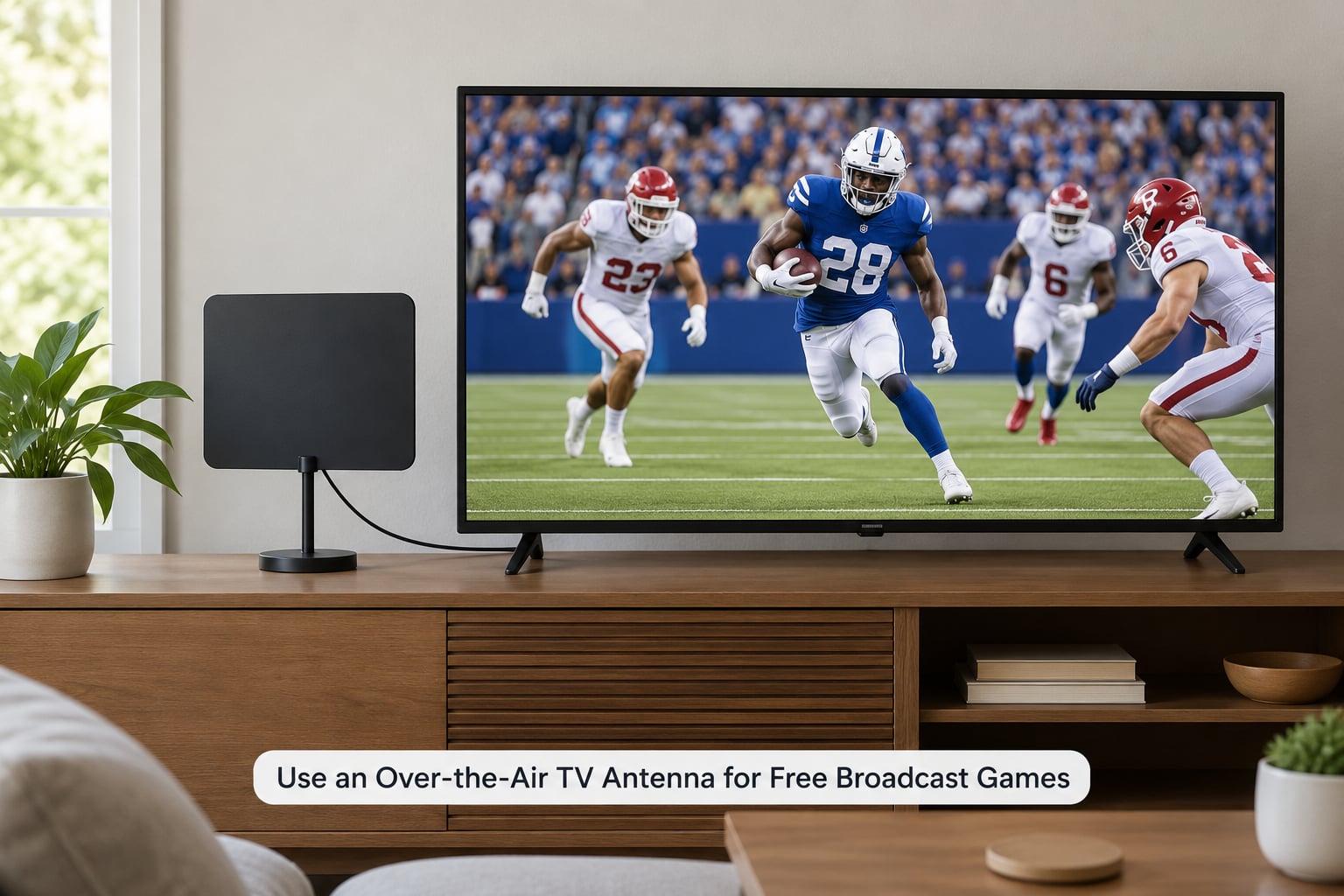
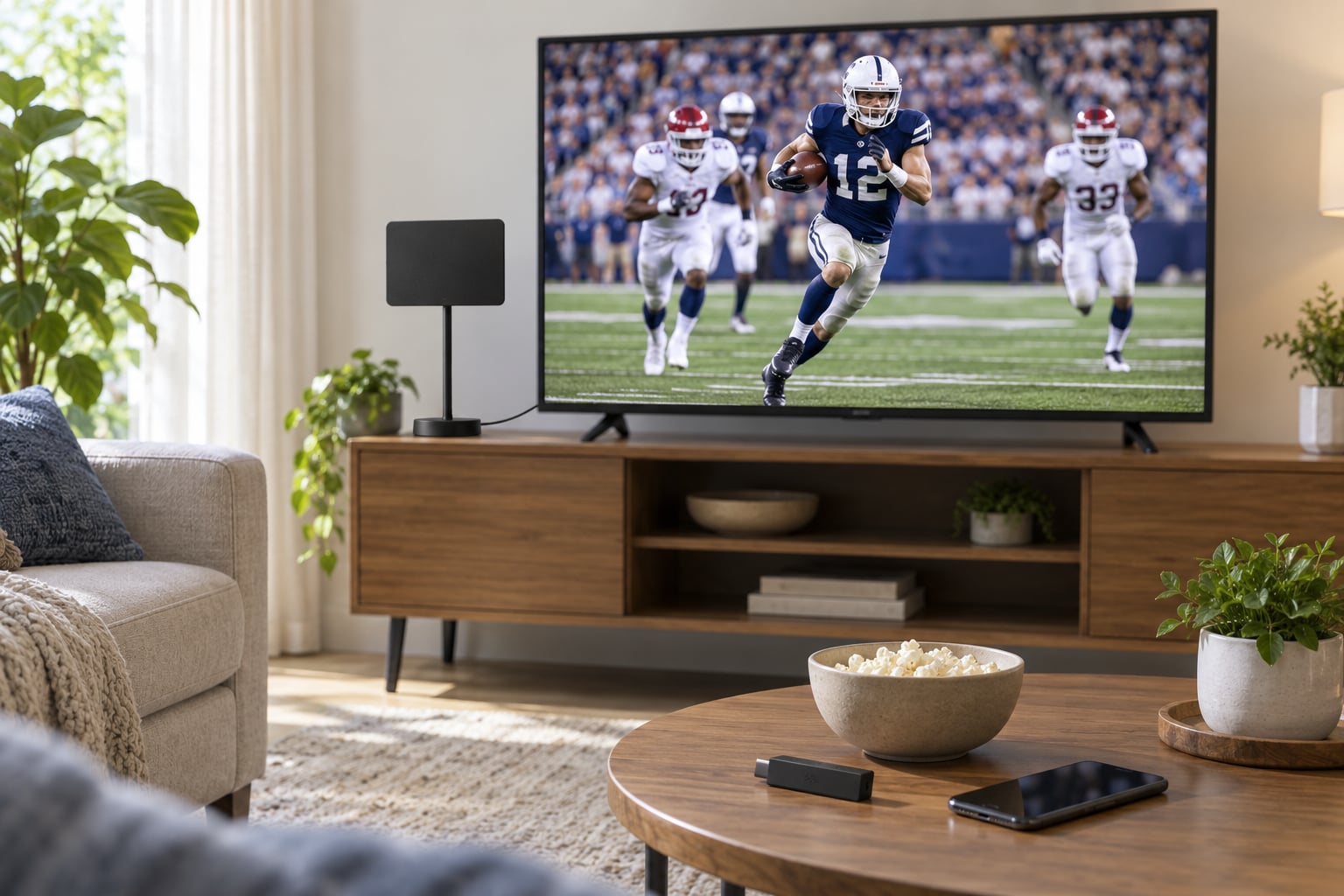
An antenna is the cheapest legal route and the only one that costs nothing once the hardware is bought. It picks up the local affiliate signal for ABC, CBS, FOX and NBC in your area, which is where most rivalry games and every conference championship and College Football Playoff game eventually land.
There are two main types. A flat indoor antenna sits near the TV and works well within a city or close suburb. A larger outdoor or amplified attic antenna handles weaker signals, fringe suburbs and rural areas, where hills and buildings are the main obstacles.
Two myths are worth clearing up. An amplifier does not create signal, it only boosts what your antenna already picks up, so a booster paired with a weak antenna just amplifies noise. And reception is not fixed, because it changes with the station, the hour and the weather.
Set-up takes a few minutes. Plug the antenna into the TV’s tuner input, run the TV’s channel scan, and note which channels come in cleanly. If a station is missing, move the antenna a foot or two and scan again. Height beats distance: a window higher up in the house often works better than a spot right beside the set.
Know the limit before you buy anything. Over-the-air access only covers what a local station airs. A streaming-only game, an ESPN channel, or a conference network that never clears your market is simply not available on an antenna.
3. Watch Free Ad-Supported Network Streams
The networks themselves hand out live feeds through their own apps and website players, usually with advertising and usually at no cost. CBS and the CW have offered live streams of their national games, ABC and NBC publish free live feeds around marquee games, and FOX runs a similar pattern on some weekends.
Availability is not constant, and that is the part most guides leave out. Free streams usually require signing in, and some are limited to specific programs or windowed for a single weekend. Confirm the current free stream on the network’s own site before game day rather than assuming one exists.
What a working free stream looks like: you open the app, pick the Live tab or the live channel tile, sign in once, and the picture starts with commercial breaks rather than a cable-style feed. If you land on a replay library instead, you are in the wrong tab.
Two catches. Regional restrictions apply, so a free feed that works for me may not work in your ZIP code. And the sign-in sometimes wants a TV-provider login, which brings us to the question most cord-cutters hit first.
4. Subscribe to a Standalone College Football Streaming Service
When the free route runs out, a standalone direct-to-consumer plan is usually cheaper than a full live-TV bundle. The best known of these is ESPN Unlimited, which also sells in higher tiers bundled with Disney+ and Hulu. Peacock covers NBC games, Paramount+ covers CBS and its sports channels, and conference networks push their own apps for their home audiences.
Availability depends on the game, the conference, and the territory you are watching from. A service that streams your home conference may not stream the same matchup three weeks later, because rights are negotiated per broadcast window rather than per season.
Plain-language version of the trade-off: a standalone plan is cheaper and carries the ESPN family well, but it will not hand you the full national lineup or most conference networks. A live-TV bundle costs more and gives you the menu, the local stations and the conference channels in your region.
Always use the broadcaster’s authorized app. Third-party players and unofficial streams look tempting and get shut down mid-season, taking your game with them.
You will not dodge ads entirely. Even the paid tiers insert commercial breaks, and the break lengths vary by service and by how popular the game is.
Watch your subscription cadence. A fair number of fans subscribe for the season, then cancel in February, because the channels go quiet for months and the monthly charge does not pause on its own.
5. Stream on a Phone, Tablet, Laptop, or Smart TV
Every route above works on a phone, but the setup path differs by platform. Names and menus shift with app updates, so treat these as the shape of the path rather than fixed taps.
On iPhone and iPad, open the App Store, search the broadcaster’s app by name, install it, then sign in with the same account you created on the web. The live channel sits under Live or the Watch tab.
On Android, the Google Play route is identical, and cast by tapping the cast icon in the player once your TV and phone share a Wi-Fi network. On iPhone, use the AirPlay icon in the app’s player or the Control Center.
On Roku, open the Streaming Store from the home screen, search the app name, add the channel, then sign in. Note that some broadcaster apps are not published in the Roku store, and the usable option there is AirPlay from your phone instead.
On Fire TV, use the search row at the top of the home screen, pick the app, then sign in. On Apple TV, the tvOS App Store works the same way as the iPhone store, with the same account.
On a Google TV or Android TV set, the app row across the top of the home screen is the fastest route. On Samsung and LG smart TVs, look in the app store built into the television rather than casting, since the native app is usually steadier for a full game.
If your sign-in uses two-factor authentication, set it up before game day. Approve the code on your phone while the television is showing the sign-in screen, because codes time out fast and re-triggering them on a TV remote is miserable.
6. Test the Setup Before Game Day
Ten minutes, once a week, saves an entire Saturday. Sign in on the device you will actually use, launch the live channel, and let it run for a few minutes.
Check picture and sound, then check casting or a second device if you plan to watch away from the TV. Confirm the game appears in your region. If it does not, note that fact now rather than at kickoff.
Then save a backup. Save the network’s own app as a second login, keep the antenna input selected on the TV, and screenshot the schedule entry with the network name so you can find it fast when the primary app misbehaves.
You know it worked when a live channel starts within seconds, commercials play at normal volume, and the service’s app recognises your region. If a live channel refuses to play at all, run through the fixes below before assuming the service is down.
Common Mistakes and Quick Fixes
- Intro pricing ended and the bill jumped. This is the most common complaint in cord-cutting threads. Check the regular monthly rate before you sign up, and set a calendar reminder for the date the promo period ends.
- The app says the channel is not available in your area. That is a territory limit, not a bug. Check the service’s channel lineup by ZIP code, and try the broadcaster’s own app as an alternative feed.
- A channel asks for a TV-provider login. Some lower-cost tiers verify that you pay for cable or satellite. Either sign in with your provider’s account, or switch to a plan that does not require it.
- Constant buffering in the fourth quarter. Run a speed test on the same Wi-Fi the TV uses, move off a shared household connection, and prefer a wired or 5 GHz path for the streaming stick.
- The app is missing from your streaming device. Not every broadcaster publishes a native app for every platform. Cast from your phone, or use a device that does carry the app.
- The antenna misses a station that used to work. Re-scan the tuner, reposition the antenna, and try a different antenna input. Weak stations are the first to drop out in bad weather.
- Only one stream plays at a time. Most plans cap simultaneous streams. Add an add-on tier, or plan your Saturday around one game on the big screen and a second on a phone with a separate login.
- You bought the wrong package for your conference. Check which conference network your team plays on, then verify that network appears in the ZIP-code lineup before you subscribe. A general bundle without it is a dead end.
Game-day checklist, the night before:
- Re-check the schedule entry for network, service, region and start time.
- Open the app and confirm the live channel loads.
- Update the app and the streaming device’s software.
- Charge the phone and power banks for the streaming sticks.
- Sign in ahead of time so no code expires mid-drive.
- Have a backup ready: the network’s own app, or the antenna input on the TV.
Learning how to watch college football without cable is mostly this preparation. Do it once and the rest of the season runs itself.
Frequently Asked Questions
Can I watch college football for free without cable?
Yes, partly. An over-the-air antenna gets you the free ABC, CBS, FOX and NBC broadcasts in your area at no ongoing cost, and the networks sometimes publish free ad-supported live streams of their own marquee games. Conference networks and streaming-only games are not free, so most fans use a free option for national games and a subscription for everything else.
Do I need a cable or TV-provider login to stream college football?
Sometimes. Free network streams and some lower-cost streaming tiers verify that you already subscribe to a cable or satellite package before unlocking channels like ESPN or the ESPNs. If you have no such subscription, choose a plan that does not require a provider login, or use the network’s own free app feed.
Can an antenna pick up every college football game?
No. An antenna only receives what your local affiliates broadcast, which covers national games on ABC, CBS, FOX and NBC. Anything exclusive to ESPN or to a conference network such as the SEC, ACC or Big Ten is out of reach, and some games are streaming-only. An antenna is the cheap foundation, not a complete answer for a conference fan.
Why is a college football game unavailable in my streaming app?
Usually a territory or rights limit. Networks stream only to the regions they hold broadcast rights for, and those regions can change from week to week during a season. The same game may be live for one viewer and missing for another on the same service. Check the channel lineup by ZIP code and the network’s broadcast map before assuming the app is broken.
What is the best way to watch games on multiple devices?
Most plans allow a set number of simultaneous streams, commonly two or three, and mobile viewing normally uses the same login as the television. For more screens, cast from one device rather than running separate streams, or add an extra-stream add-on tier. How to watch college football without cable across a household usually comes down to one good login plus casting.
Conclusion
Three paths cover almost everyone: an antenna for the nationally broadcast games, a free network stream when one is offered, and a legitimate paid service for the ESPN and conference-network schedule.
Start by finding where your team actually plays, check which service carries that network in your ZIP code, and test it before game day. Once you know how to watch college football without cable for your specific team, you can stop paying for channels you never watch.