An alumni watch party works when you nail three things: pick a game with real stakes, secure a room where everyone can see the screen, and give guests a reason to show up that has nothing to do with the game itself. Get those right and the rest is logistics most people can handle in a weekend of work.
Most groups that pull this off started six weeks out. That is the difference between a gathering people talk about and one that never fills the seats. This guide walks through the whole sequence, from choosing the game to sending a thank-you note the next morning.
Table of Contents
- What You Need
- Step-by-Step: How to Organize a Watch Party for Alumni
- Common Mistakes
- Frequently Asked Questions
- What is the best venue for an alumni watch party?
- How far in advance should I plan an alumni watch party?
- How many people should I invite to a college game watch party?
- Should an alumni watch party be hosted at home or at a bar?
- How can I accommodate alumni with dietary restrictions?
- What should I do if the game time or venue changes?
- Conclusion
What You Need
Before you book anything, line up these nine items. If you cannot get straight answers on the first four, stop there and fix them, because everything else depends on them.
- A host or a small planning pair. One person plans, one person handles logistics on game day. Solo hosts who try to do both usually lose the thread during the first quarter.
- Confirmed game details. Date, kickoff or tipoff time, broadcast channel or streaming platform, and where the game is being played.
- A guest list. A real contact list with email and mobile numbers, not just a social media following.
- A budget ceiling. Decide the total you can spend before you see a quote, and whether the group covers it or attendees do.
- Venue with sight lines. Seating, a large screen or television, sound, parking, and step-free access if anyone needs it.
- Invitations. A single message with the who, what, when, where, RSVP deadline, and one named contact.
- Food and drinks. Planned around serving time rather than arrival time, with something for people who do not drink alcohol.
- Equipment. Screen, streaming access, sound, a backup connection, charging points, and a few power strips.
- A day-of schedule. A written timeline from setup to last call, with a named person responsible for each job.
Step-by-Step: How to Organize a Watch Party for Alumni
1. Plan how to organize a watch party for alumni
Start with purpose, because it decides everything downstream. A reunion game, a chapter fundraiser, and a recruiting showcase are three different events wearing the same jersey.
Then pick the game. Rivalry games and postseason games fill faster than regular-season home games, which means earlier booking and possibly a waitlist. A weekday evening game works well for alumni who work weekends and for anyone bringing small children, and it is much easier to reserve a room on a Thursday.
Set a guest target you can actually feed and seat. A reserved room seats a fixed number, so your invitation list should run a little under capacity rather than a little over. Alumni groups that invite 40 to a 30-seat room tend to lose the people they most wanted there.
2. Choose a venue and viewing setup
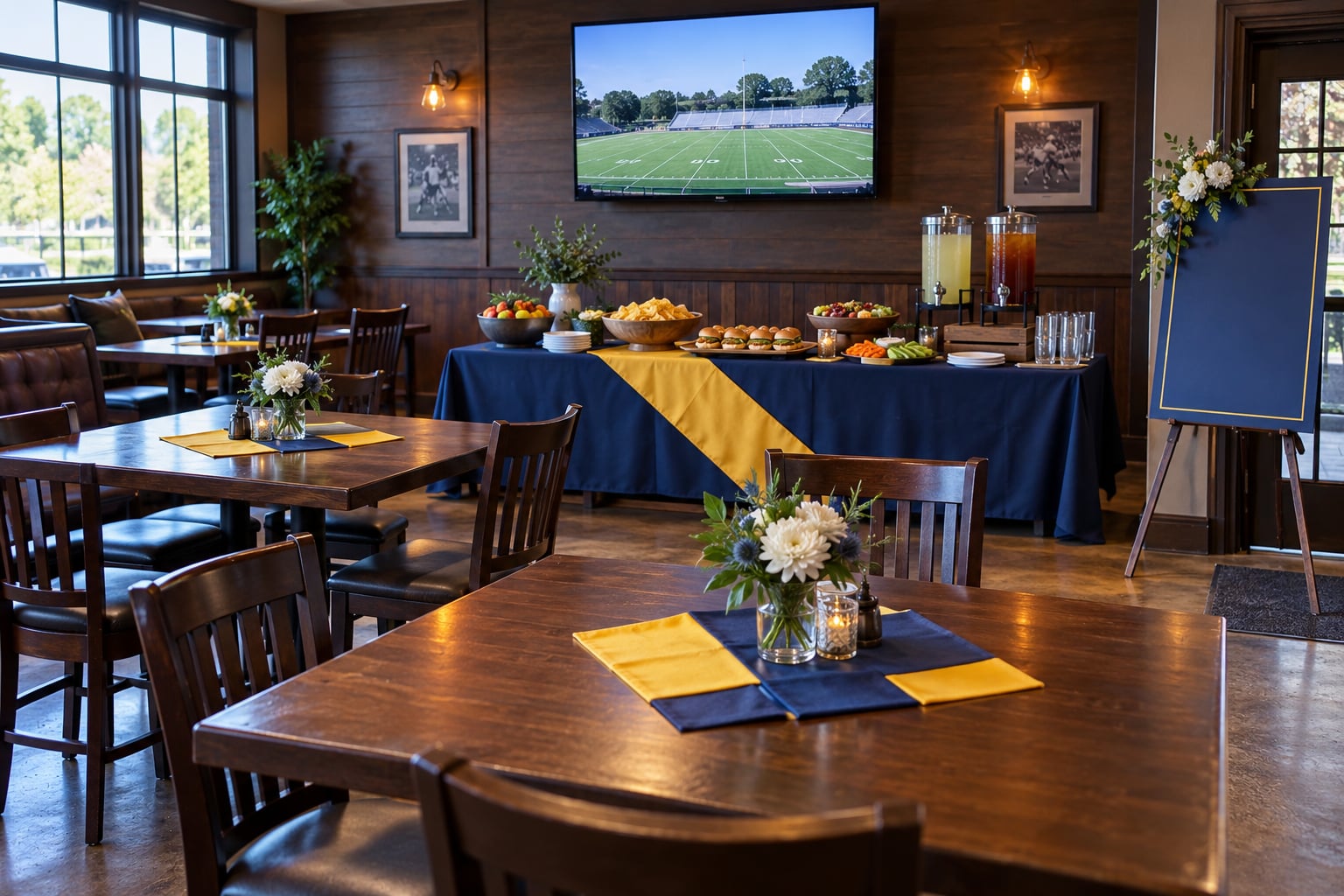
The venue decides how much of the rest of your planning you have to do yourself. A sports bar with a reserved room handles the screen, the sound, and the food; a private home leaves all three to you.
| Venue | Who pays | Comfortable size | Check first | Best for |
|---|---|---|---|---|
| Private home | Host absorbs it | 8 to 20 | Screen size, seating for everyone, internet speed | Close-knit chapter groups with a natural host |
| Bar or restaurant owned by alumni | Shared, often a group tab | 20 to 40 | Reserved room, minimum spend, kitchen cutoff | Groups who already know each other |
| Sports bar with a bought-out room | Group tab or entry fee | 40 to 90 | Room fee, food minimum, deposit, setup time | Rivalry games and the biggest crowds |
| Campus facility or alumni house | Institutional | Varies | Reservation rules, insurance, campus access hours | On-campus groups and student organizations |
| Outdoor patio or tailgate setup | Shared | 15 to 60 | Weather plan, power, screen weatherproofing | Fall games and daytime starts |
Ask the venue three specific questions in writing: can you show the game on your main screen, can we play our own audio over the speakers, and what is the room fee, minimum spend, and deposit. Alumni associations get stuck most often on venue scarcity, particularly on rivalry weekends when every sports bar in town is already committed. Call early and be willing to take a midweek date.
One more question matters more than people expect: who handles broadcast rights for a commercial venue. The business that owns the television subscription normally carries that responsibility, and some venues will refuse a request to stream a game on their own account. Confirm this before the invitation goes out.
Virtual attendance is worth adding even if you keep it simple. A single link with the official broadcast or a group watch-party app lets out-of-state alumni join without begging the bar for a guest screen. Decide who moderates the chat, because an unattended virtual room becomes a ghost town by halftime.
3. Build the guest list and invitations
Segment the list so your invitation feels personal. Recent graduates respond to a different angle than retirees, and members of a specific organization or affinity group are the easiest people to fill a table with. Alumni association volunteers, booster club members, and anyone who hosted a watch party in the past are all reliable first contacts.
Clean the list before you use it. Bounce the addresses that fail, delete the contacts who moved three states ago, and add mobile numbers for the people who rarely open email. A short text from a named organizer outperforms a blast from an official address that no one recognizes.
Every invitation needs the game and date, the start time with the time zone, the venue name and street address, the RSVP deadline, what to wear or bring if there is a dress theme, parking and transit notes, and one named person with a direct email or phone number. Keep the same seven details in the reminder and in the day-before text so nobody has to hunt down the original message.
Channel mix matters. Email for the full details, text for the reminder, and a social post for the people who never open either. Post the event with a photo of the venue and the screen, since a generic flyer tells guests nothing about whether they will enjoy it.
4. Plan food, drinks, and the budget
Plan around the clock, not the evening. A group that eats at a normal dinner hour arrives back to the screen during the third quarter. Serve an early meal, or plan a second wave of lighter food that arrives around the middle of the game.
Bite-sized, self-serve food works best because nobody has to leave a good seat. Plan roughly a handful of items per person for a game-day spread with drinks, and skip anything that needs a plate, a knife, or a hot holding lamp.
- Ask about restrictions when you send the invitation, not the day before. Collect allergies, vegetarian and vegan needs, and religious restrictions in the RSVP form so you are not guessing.
- Label what you serve. Simple cards on the table prevent an entire group of people from avoiding the one dish they could have eaten.
- Always include a strong non-alcoholic option. Make it as visible and as good as the beer, not a afterthought in a cooler.
- Plan for what nobody finishes. Package extra food for people to take home so the cleanup job shrinks and the host does not host two weeks of leftovers.
If you are cooking or using a caterer, hold hot food at 165°F for poultry and 160°F for ground meat, and 145°F for whole cuts and fish. Set them out in small batches rather than one large tray, and keep anything perishable out of the danger zone for more than two hours.
Three funding shapes cover nearly every group. A potluck keeps the total low and the tone relaxed, with the host or a small chapter fund absorbing food and supplies. A group tab at a reserved room works when attendance is predictable and everyone can pay at the end. A ticketed event with an entry fee or a squares pool turns the night into a fundraiser, and it only makes sense when the alumni association needs the money rather than the company.
5. Prepare the game-day space
Walk the space a day before and again the morning of the event. Every seat should have a view of the screen without someone craning their neck, and the sound should be loud enough for the back row without being painful for the table near the speakers.
Push tables to the sides and keep the middle clear. That gives people a place to stand during close plays and stops the flow of the room from breaking every time someone needs to get to the food. Set up a serving station away from the screen so the line never blocks a view.
Test the actual broadcast, not a menu screen. Log into the streaming service, play something for a few minutes, and check the sound levels from the farthest seat. If the connection comes through a venue’s Wi-Fi, bring a backup: a device with its own data plan or a second stream running on a different connection.
Run of power is the quiet killer. Bring a power strip per table, a long HDMI cable, and at least one charger nobody has to ask for. Name tags with a class year, school-color napkins, and a small sign with the group name make an ordinary room feel like a reunion rather than a reservation.
6. Handle invitations, reminders, and changes
A simple countdown keeps the planning on track and stops the details from arriving at once. Assign an owner to each item so nothing depends on memory.
| When | What happens | Who owns it |
|---|---|---|
| Six weeks out | Pick the game, set the budget ceiling, call venues, check the broadcast channel and rights | Lead organizer |
| Four weeks out | Book the room, agree on the deposit and minimum spend, get the guest list together | Lead organizer and treasurer |
| Three weeks out | Send invitations with the RSVP deadline, open the list for dietary notes | Communications volunteer |
| Two weeks out | Follow up with anyone who has not answered, confirm headcount with the venue | Communications volunteer |
| One week out | Send the reminder with parking, dress, and what to bring; assign game-day roles | Host |
| 48 hours out | Final headcount, print name tags and signs, confirm the menu and the kitchen cutoff | Host and venue contact |
| Day of | Set up and test the stream, position food, place a welcome sign, brief volunteers | Everyone |
| After | Thank-you message, share photos, send a short survey, set the next date | Host |
Send one reminder about a week out and a short text the day before with the address and a map link. If the schedule changes, say so in the same channels you used for the invitation, immediately. A late change that people hear from a group chat instead of from you looks like nobody is in charge.
7. Run the event and close it out
Keep the volunteer list short and specific. Four people cover most events: one to greet and check names at the door, one on food and drinks, one watching the stream and sound, and one on cleanup. Add a fifth for the virtual room if you offered one.
Write out the day-of timeline. Setup, doors open, game start, halftime, final whistle, last call, breakdown. Assign each block a person and print it. Things that only live in the host’s head go wrong exactly when the host is busiest.
The event is not over when the game ends. Send a thank-you the next morning with two or three photos, run a five-question survey, and note what you would change. Then put the next date on the calendar before everyone drifts away. A watch party that ends without a follow-up gives you one good night; one that ends with a survey and a booked date gives you a group.
Common Mistakes
Booking the wrong venue. A room that seats 25 when you invited 60 turns the night into a standing-room crush. Fix it by picking capacity first, then building the guest list to fit, rather than the reverse.
Planning around the wrong start time. Kickoff times shift with television windows, and daylight-saving changes have undone more than one party. Confirm the time from the team’s official schedule within a week of the event and put the time zone in every message.
Inviting too many people for the room you have. RSVPs will run 20 to 30 percent above your optimistic number. Invite to capacity, keep a short waitlist, and call the extra names when seats open up.
Relying on venue internet. A crowded bar Wi-Fi network often collapses when 40 people try to stream at once. Fix it by testing the connection during a busy hour and keeping a second device with its own data plan as the backup feed.
Ignoring dietary needs. Collecting restrictions in the RSVP form costs one question. Discovering them an hour before kickoff costs you a person who quietly eats crackers in the corner.
Leaving parking and cleanup unresolved. Put parking instructions in the invitation, not just in your own head, and assign cleanup before the game starts rather than after everyone has left.
Two situations come up more than the rest. The first is a small turnout. If eight people show up to a party you planned for forty, do not cancel. Move to a better table, spend the food budget on what is actually there, and run the traditions anyway. A small group that gets the full experience becomes your core, and the same people spread the word about the next one.
The second is a thin virtual turnout. Do not spend the budget on a hybrid setup unless you have someone who will actively greet remote guests and post updates in the chat. An unattended video link is worse than no link, because people feel like they intruded.
A few event-day tips that pay off: put the arrival instructions on the outside of the door, keep a small bin near the entrance for coats and bags so hallways stay clear, and start the pregame music a few minutes before kickoff so the room has a rhythm. Tell people in advance when the food runs out and when the last call is, and nobody is surprised by either.
Frequently Asked Questions
What is the best venue for an alumni watch party?
For most alumni groups, a sports bar with a reserved room wins. It solves the screen, the sound, the food, and the parking in one agreement, and it handles broadcast rights because the business owns the subscription. Choose a home instead when the group is small and a real host already exists. Campus facilities work well when a student organization or the alumni association can reserve them.
How far in advance should I plan an alumni watch party?
Six weeks is a workable minimum for a regular-season game, and three months for rivalry games, conference championships, or bowl games. Early booking matters most on rivalry weekends, when good rooms are taken months ahead. Even for a small group, do not start later than two weeks out: you need time to confirm the broadcast channel, settle the budget, and give people notice to clear their schedules.
How many people should I invite to a college game watch party?
Match the guest list to a venue you can reserve, then invite about 25 percent more than you expect to fill the room so late yeses have somewhere to go. Twenty to forty people is the sweet spot for conversation and still feels like an event. Above sixty, use a reserved room with a fixed capacity and a waitlist. Below fifteen, plan for a long table and spend the budget on food quality instead of volume.
Should an alumni watch party be hosted at home or at a bar?
Host at home when the group is under about fifteen people, everyone knows each other, and one person is willing to own the cooking, seating, and screen setup. Host at a bar when the group is larger, when alumni are coming from out of town, or when you want the night to feel like an occasion rather than a hangout. The deciding factor is usually effort: a bar removes three hours of setup and all the cleanup.
How can I accommodate alumni with dietary restrictions?
Ask in the RSVP form, not later. Add fields for allergies, vegetarian and vegan, halal or kosher, and religious restrictions, then set a deadline a week out so your caterer has time. Label every dish with a small card so people can identify what they can eat, and hold hot items at safe temperatures. Keep at least one substantial non-alcoholic option that is as easy to find as the beer.
What should I do if the game time or venue changes?
Tell guests immediately and use the same channels as the invitation: email, text, and the social post. Include the new time, the new address, whether anything about parking or the menu changed, and the time zone. Update the name tags and any printed signage so the correction is visible in the room. Delay is the real problem, not the change itself, because people who already left home cannot un-leave.
Conclusion
Three actions carry most of the weight. Confirm the game and the exact start time, choose a venue that seats your guest list and can legally show the broadcast, and send one invitation with an RSVP deadline, parking notes, and a named contact.
Everything after that is detail you can improve next time. Pick a game with stakes, give guests six weeks of notice, and write down who owns each job on game day. That combination is what turns a regular Saturday into the night your chapter still talks about in 2026.