Hosting a March Madness watch party comes down to five things: pick your game window, confirm how everyone will see it, feed people for four to six hours, give them something to argue about, and keep the room from ever blocking the screen. The whole operation takes about two weeks of planning plus a game-day morning of setup, and the basic version works as well for six people on one television as it does for a basement with three screens and a bracket pool on the wall.
If you have never run one, this is how to host a March Madness watch party without the mistakes that leave you sweating over a dead stream at tip-off. Nothing here depends on the round, the seed, or the team, so the plan holds for the first weekend and the national championship alike.
Table of Contents
What You Need
Work through this list before you send a single invitation. The order matters, because the screen situation decides your guest count, and the guest count decides how much food you buy.
- A guest list with a hard cap. Decide the number your space actually seats, then invite that many plus two. Confirmations with a deadline are what keep the count honest.
- Invitation details. Round or matchup, tip-off time with time zone, address, whether you supply food, dress code if there is one, and the RSVP deadline.
- Broadcast access. Know which network carries the round you are hosting and whether your cable package or streaming subscription includes it before you promise anyone a game.
- Screens. The main television plus at least one extra screen for a second game, a laptop or tablet for the bracket, and whatever holds the music.
- Seating that faces the screen. Chairs, cushions, a spare couch, and a clear sightline from the back of the room.
- Food and drinks. One substantial item, three or four snack portions per person, and a drink station that refills without a trip to the kitchen.
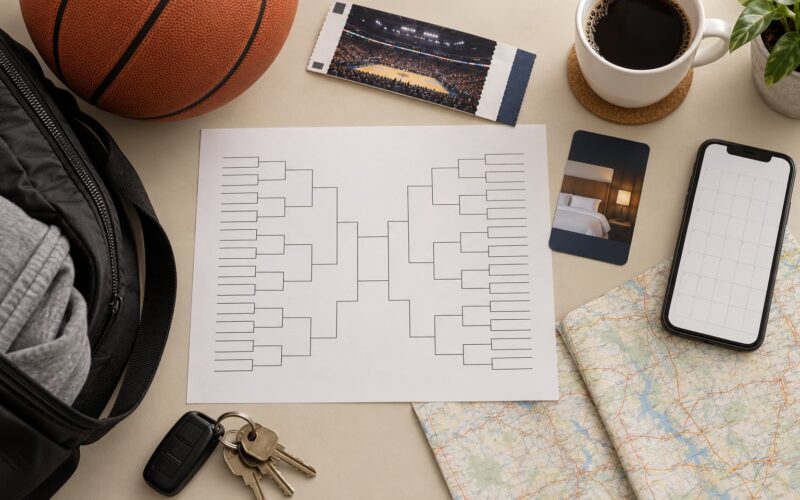
- Bracket materials. Printed brackets on standard paper, a wall or board for the master bracket, and a scoring sheet.
- Scorekeeping supplies. A whiteboard or chalkboard, markers that wipe, a timer, and a way to announce scores that is not your own voice shouting over the broadcast.
- A backup plan. A second streaming device, a different login, a long HDMI cable, and someone nearby who knows your Wi-Fi password.
Quantity math for a four-hour session
For a single game window, count on one substantial serving per three guests, three to four snack portions per person, and roughly a dozen ounces of drinking water per person per hour. Keep soda and a zero-proof option flowing the entire time; most hosts underplan the non-alcoholic side of a drink station, and that is exactly what the designated drivers and the kids will be drinking for four hours.
The table below is how the same plan shifts as the tournament narrows. Multiply the last column by your guest count and round up.
| Round | What to serve | Prep ahead | Per 10 guests |
|---|---|---|---|
| Opening round | Sliders, chicken bites, one sheet tray of nachos | Yes, bake same day | 25 to 30 snack portions |
| Second round | Add a slow-cooker main plus the snack spread | Yes, chill overnight | 4 servings of main, 30 portions |
| Sweet Sixteen | Two mains, a loaded potato bar, wings | Partly, one dish same day | 7 servings of main, 40 portions |
| Elite Eight | Two mains, wings, a dessert board | Mostly | 7 servings of main, 45 portions |
| Final Four and championship | Full main, wings, sliders, dessert shooters | Mostly, one dessert same day | 8 servings of main, 50 portions |
Hosting a March Madness party is mostly a food-logistics problem wearing a basketball jersey. People remember that you thought about the spread and that nobody spent the second half in the kitchen. Nobody remembers the exact brand of dip.
Guest Count and Seating Math
Count chairs, not square footage. A den that measures generously still caps out once everyone is facing the same direction, and the people who end up watching from the kitchen doorway are the people who stop paying attention. Plan one seat per guest, assume the deep end of the couch holds two comfortably, and set your cap there. Inviting your cap plus two gives you room for a cancellation without a reshuffle.
Timing is the other half of the math. Plan on guests arriving twenty to thirty minutes before tip-off, which is why the invitation needs an arrival time, not just a start time. If a game is an early-afternoon window on a Saturday, expect your working guests to decline, and if it is a weekday evening, expect your non-working guests to stay through overtime. Either way, count the number of people who will actually be there at the fifth hour, since that is the number your late-night food order depends on.
Allergies, Dietary Needs, and Kids in the Mix
Ask about restrictions when you send the invitation, not on the day, and treat the answers as a requirement rather than a courtesy. Experienced hosts plan dietary variety into the menu from the start instead of setting aside a separate plate, because the guest who spends the game eating crackers off a paper plate is not really at the party. A simple check during RSVPs, plus one label card per dish, covers most of it.
If kids will be in the house, decide the plan before the room fills up. A second screen on a laptop in another room, set to the same feed, gives the adults their conversation and the kids their head start on the scoreboard. Agree on a bed time and a head of the household who handles it, and keep food in a spot kids can reach without a stool, which also means fewer people crossing the screen line during a timeout. The noise question is worth a word with the neighbors in advance, not a knock on the door at halftime.
Step-by-Step: How to Host a March Madness Watch Party
1. Choose a Game-Day Format
Three formats cover almost every situation. A marquee game is one big screen, a bigger spread, and no distractions. A regional pod covers one conference or region so the games on the same feed matter to everyone in the room. A full bracket party means picking three or four sessions across the tournament and going all-in on each one rather than half-committing to all of them.
Match the format to your screens, your guest count, and whether most people follow a specific team. A marquee game is the safest choice for eight people in a living room. A full bracket party needs a wall for a bracket, somewhere for guests to sit down between sessions, and a host who is still functional on the Sunday after the regional finals.
You will know the format is right when every guest can name what they are here for, and nobody spends the opening minutes asking which channel the game is on. If most of your list follows one team, put that team’s game first and let the second screen carry the rest.
2. Set the Date and Send Invitations
Choose a window, not just a day. Most first-round windows run through the evening, while later rounds often tip off in the early afternoon, which changes your food plan, your guest availability, and how long you need the space. If anyone is traveling in from another time zone, say the time zone on the invitation and not just the clock.
Send invitations as soon as the matchup is settled and the RSVP deadline is at least a week out. Include the round, the tip-off time, the viewing location, whether food is provided or potluck, and a note about parking or door codes. College-themed invitations work fine as long as the practical details stay readable, which is why the cleanest ones put the logistics in plain text at the bottom.
Two common approaches to food. If you are providing everything, say so and name the start time for food, because people will show up early to eat. If it is a potluck, assign dishes by name rather than by category, three named dishes for twelve people, so nobody brings three bags of chips and a main course nobody planned for.
You will know invitations worked when your final count is close to the number you invited. If you are consistently over, add a line asking people to check with you before bringing a guest.
3. Build the Viewing Setup
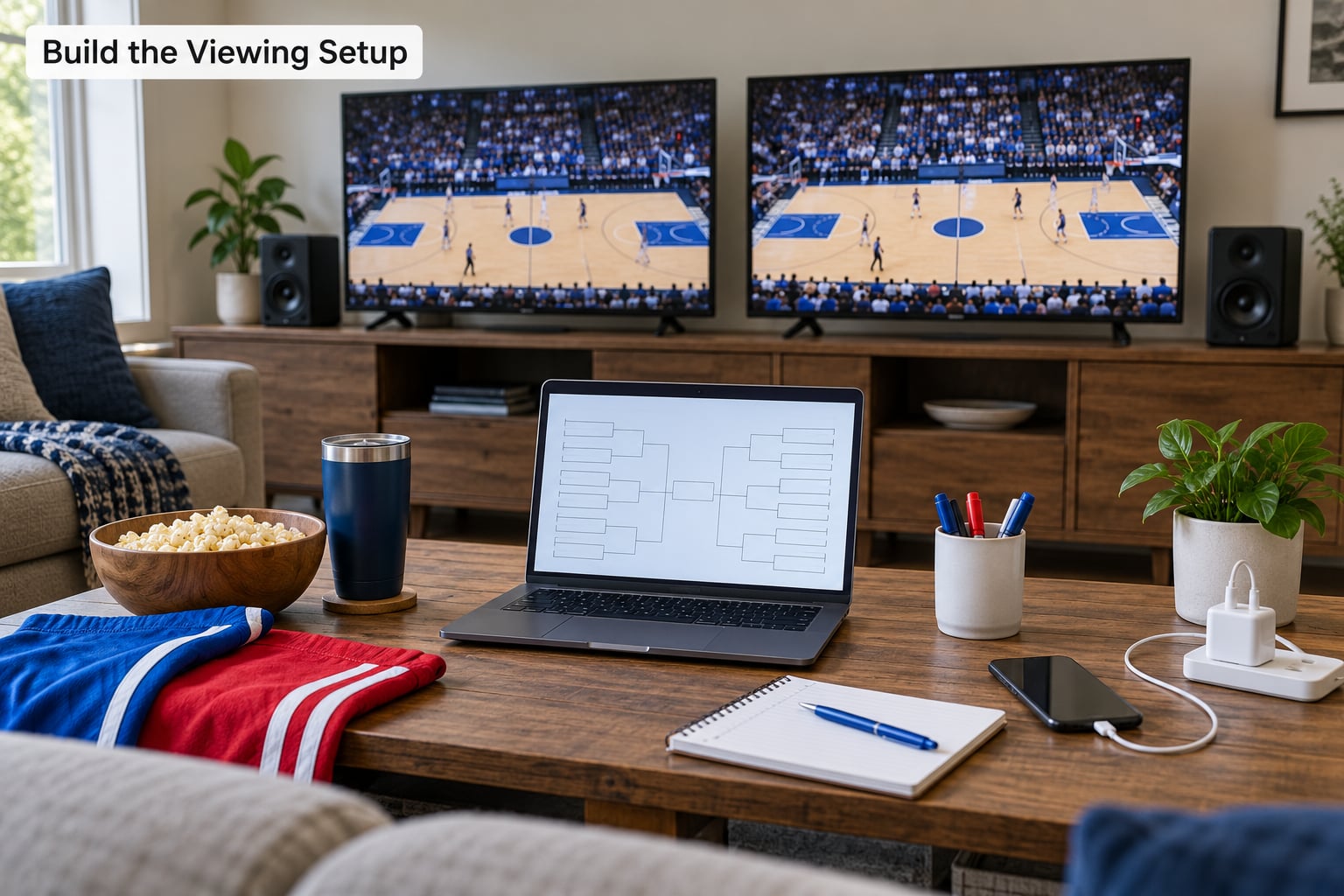
Pick one broadcast as the primary feed, then test it end to end a few days before game day, not the morning of. That means signing into the app or channel on the device you plan to use, confirming the subscription carries that round, and watching ten uninterrupted minutes including the pregame. Streaming hiccups show up in the first five minutes far more often than in the third quarter.
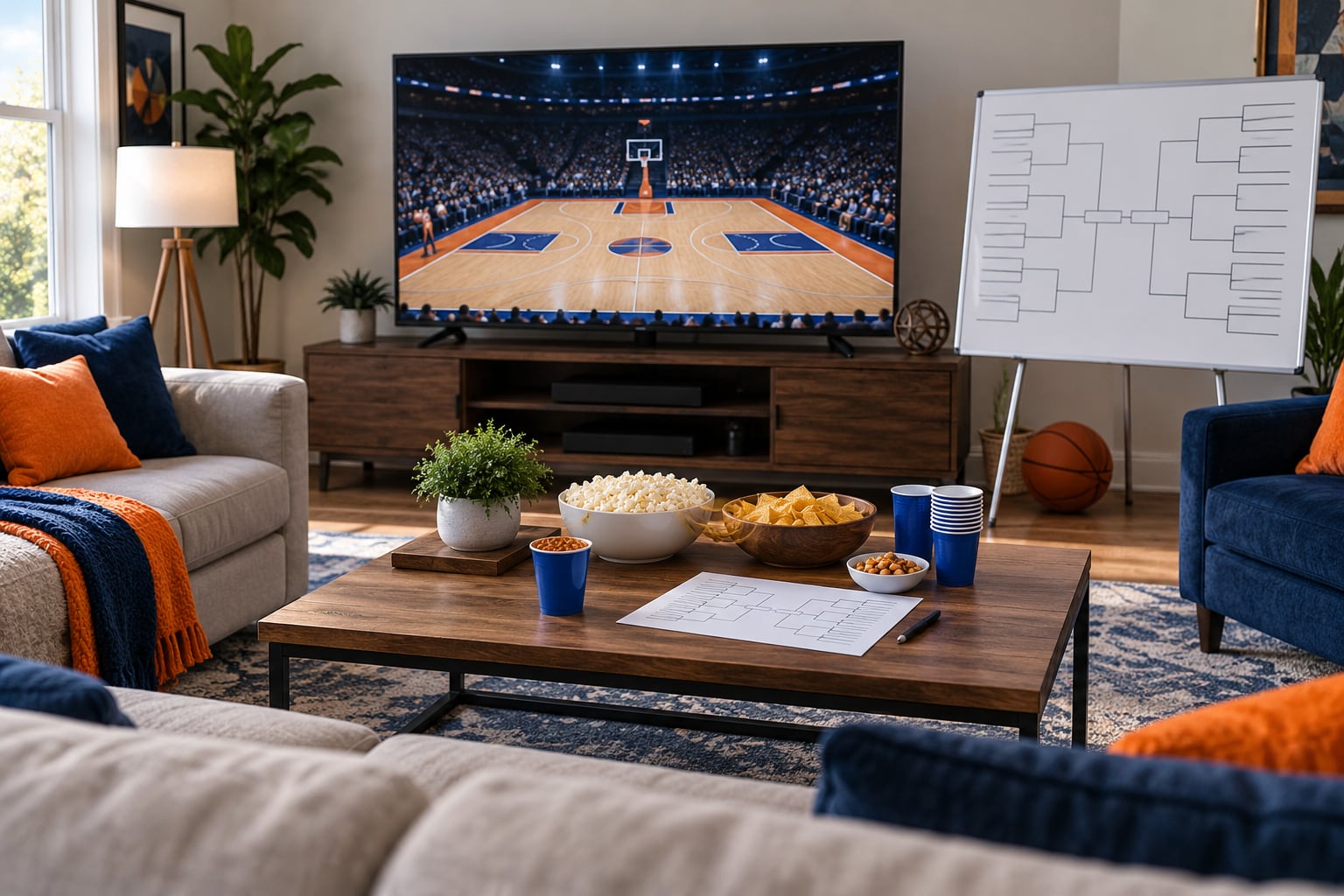
Position the main screen so the last row of chairs has a straight-on view rather than a neck craned sideways. Put the second screen where it does not create glare on the first, and decide in advance whether it carries a split game or the bracket. Run the audio through one speaker or a soundbar so people in the back row hear the same commentary as people on the couch.
Add a charging station. A power strip on a side table with a couple of cables solves the phone-battery panic that ruins the last five minutes of a close game. Then set up the backup: a second device logged into a working account, an HDMI cable long enough to reach the good spot, and a hotspot if your home connection is unreliable.
The test that matters is a sightline check. Sit in the worst seat in the room and confirm you can read the scoreboard without leaning. If the setup passes that, it is ready for guests.
4. Plan Food and Drinks
A workable formula is one main dish, three or four snack options, at least one solid vegetarian choice, and items that can be eaten with one hand while standing up. Games run about two hours, but a game-day session stretches to four or six with arrivals, halftime, and postgame talk, so plan food for the whole session rather than the game.
Serve in stations rather than one long table. A snack table in the kitchen, a main dish on the counter, and drinks in a cooler or dispenser by the door keep people moving and keep the aisle to the screen clear. Scatter small bowls of something salty before the game so guests are not hovering over the slow cooker during tip-off.
Test the menu at least once before the party. Some dishes that look fine on paper turn to paste at room temperature after sitting under a lamp for two hours, and that is the single most common at-home hosting failure. Choose chafing dishes or a slow cooker on low for anything that must stay hot, and set the oven to warm rather than cooking at the last minute.
Label dietary items on small cards taped to the dish instead of guessing by appearance. Experienced hosts treat allergies as a requirement, not a courtesy, because one incident ends the night faster than any bad call. Keep food and drinks away from the electronics, and put a trash and recycling station in the path people naturally take to get up.
Release food in stages: something salty just before tip-off, the main dish at halftime, dessert after the final buzzer. Everything out at noon means everything cold by the fourth quarter.
5. Add Brackets, Pools, and Team Traditions
Print a bracket for every guest plus five spares, and tape a master bracket to a wall or prop a whiteboard where it stays visible for the whole session. If a guest arrives without one, hand them a blank with a pen and set a fifteen-minute deadline before tip-off. Five minutes of a dozen people filling in brackets buys you a game that stays interesting for three hours.
For a pool, decide the format before the first guest arrives. A survivor pool keeps a player alive until their team loses and is the easiest to run, because a single elimination resolves the standings every round. A full bracket pool scores points per round and runs the length of the tournament. Either way, write the scoring on the back of every bracket so nobody argues about it at halftime.
If you would rather keep money out of it, points-based side games work just as well: most points scored in a half, first correct upset picked, a prediction on the final margin. Keep the competition light and decide beforehand who records the winning pool, hands out prizes, and takes a photo of the board.
Traditions are the cheap part and the part guests remember. Team entrance music, a horn for every three-pointer, a halftime prediction round, or a hand-painted scoreboard in your school colors. Pick two, not seven, so the room stays a room and not a production. You will know the pool worked when nobody is asking who is keeping score during the second half.
6. Run the Party Like a Broadcast
Two minutes of pregame rundown does more for a game-day room than any amount of decorating. Say who is playing, when the next game starts, where food and drinks are, and how the pool works. People settle in faster when they know the rules.
Run background music before tip-off at a volume people can talk over, and drop it the second the broadcast starts. During timeouts and free throws, use the stoppage to announce scores from the other screen, restock the food table, and take the photo everyone wanted. That is your window for service, and timeouts are more predictable than halftime.
Announce the second screen schedule so nobody splits into two rooms arguing about which game to watch. If a second game matters to your group, pick it on the way in and tell everyone. If it does not, leave the second screen on the bracket instead, which keeps the extra attention in one room.
Aim for memorable without being loud. The best hosts react to the game, not over it. Cheering a routine free throw is the fastest way to make your room stop watching, and neighbors will hear every bit of it past halftime, so keep the volume and the closing time reasonable.
7. Handle Overtime and End the Night Well
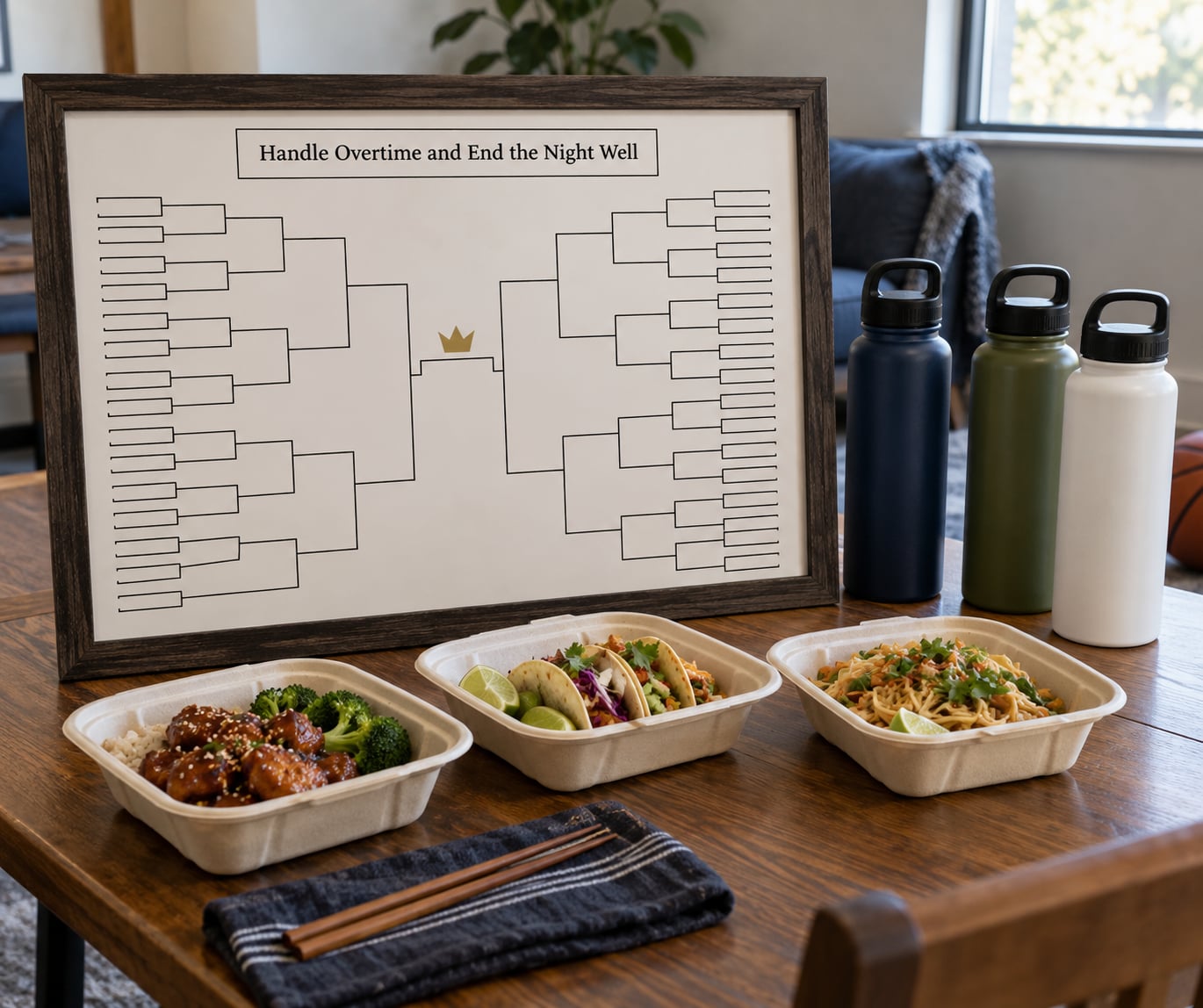
Treat overtime as a likely outcome, not a surprise. About a third of tournament games go past regulation, so plan for a fifth hour: a second round of food in the oven, drinks refilled, and a note in your head about how the ride situation works for whoever was driving others.
Put the ride plan in the invitation. A rideshare account code, a designated sober driver, or a taxi number on a card by the door removes the awkward conversation later. Confirm it out loud at the start of overtime so nobody has to be the one to ask at one in the morning.
Close with a few deliberate beats. Announce the final score and the winning bracket, name the pool winner, take a photo of the board before anyone takes it down, and hand out the printed brackets or a small team-color favor so guests leave with something. Then start the cleanup before the last person leaves: bins out, food covered, dishwasher loaded, cords coiled.
Keep the end predictable. Guests who know when the night wraps are the ones who come back for the next round, and for the next round you can reuse almost everything on this list.
Common Mistakes
Fix the Biggest Hosting Problems
Most failed game days come down to a handful of preventable decisions. Here is each one with the fix.
- Too many invitations for the room. Fix: count seating, not square footage, cap the list there, and put a firm RSVP deadline on it.
- Testing the stream on game day. Fix: run the full test a few days out, including the channel subscription check and ten minutes of playback.
- Serving food that needs constant attention. Fix: choose dishes that hold at room temperature, use one slow cooker on low, and release food in stages rather than all at once.
- Printing one bracket for a group. Fix: print one per guest plus five spares, and put a master bracket on the wall where it stays visible.
- Treating overtime as an edge case. Fix: plan food and rides for a fifth hour, and check the ride plan at the start of overtime.
- Making the room too loud. Fix: music before the game, not during it, and keep the volume at a level where a normal conversation is possible from the back row.
- One screen and no seating plan. Fix: add a second screen, decide what goes on it, and place chairs in a straight-on arrangement before guests arrive.
- Letting one person control the remote. Fix: assign a remote holder for each game in advance, and let go of it.
Tips for a Better Game-Day Experience
A handful of small habits make the difference between a party people attended and one they recommend. Check that the route from the door to the seats, the bathroom, and the kitchen works for someone using a wheelchair or a walker, and clear the path before anyone arrives. Keep the sideline conversation available for guests who would rather chat than watch, which usually means a table in an adjacent room with the bracket on a laptop, and often saves you an awkward silence mid-game.
Label every dish, including the salt. Put trash and recycling in one spot near the exit path rather than scattered, and open both at the start of the second half so nobody carries a plate around hunting for a bin. If you are renting or sharing a space, check building rules about guests and noise in advance, because a neighbor conversation ends a game day faster than a bad call.
Send guests home with something small: their printed bracket, a team-color magnet, or a photo from the board. It costs almost nothing and it is the reason people text you the next morning about the game they missed.
Frequently Asked Questions
How far in advance should I plan a March Madness watch party?
Start two weeks out. That gives you time to confirm which network carries the round, test your streaming access, pick a matchup for your guest list, and send invitations before brackets fill up. Three days out, run the full stream test, order food, and print brackets. Game-day morning, set the seating, stage the food stations, and check the sightline from the worst seat in the room.
How do I host a March Madness watch party alone?
Keep the guest list at eight or fewer and the format to a single marquee game. Cook everything the morning of in dishes that sit well for two hours, use one slow cooker on low instead of several dishes, and set food out in two waves. Assign one friend a named job, such as drinks or the bracket, and avoid anything live, like a make-your-own station that needs an attendant.
What games work well at a March Madness watch party?
Host the sessions your group actually watches. Early rounds suit casual groups and long, low-key afternoons, while the later rounds suit guests who follow the bracket closely and stay for the finish. If most people are fans of one team, anchor the party to that team’s game and put the bracket on the second screen. If nobody is invested in a particular matchup, pick the one with the best late-game drama, not the highest seed.
Should I ask guests to bring food or provide everything myself?
Assign named dishes rather than open categories. For twelve people, ask for three specific items and cover snacks and drinks yourself, so the spread is varied without a pile of the same dish. Say potluck on the invitation, set the deadline a few days ahead, and put the serving dishes out in one area so the kitchen does not become a bottleneck during timeouts.
What should I do if the March Madness game goes to overtime?
Expect it, because roughly a third of tournament games go past regulation. Keep a second round of food in the oven, refill drinks, and check the ride plan at the start of the extra period so nobody has to raise it at one in the morning. Hold the cleanup until the buzzer, announce the final score when it comes, and avoid starting a long project that needs everyone’s attention while the game is still on.
Conclusion
Start with the format: one marquee game, a regional pod, or a run of sessions across the tournament. Then set a guest count your space can actually seat, and confirm the viewing setup and broadcast access before you finalize invitations. Everything after that, the food plan, the bracket on the wall, the traditions and the cleanup, is easier than the part most hosts rush.
Keep the competition friendly, plan for overtime as if it were certain, and put your attention on guest comfort and safe departures. Get those three right and people come back for the next round, which is the only review that matters on game day.